
AutoReply for multi-channel support operations
Scale buyer support without scaling repetitive work.
AutoReply connects marketplace messages, helpdesk workflows, and ecommerce context so growing support teams can standardize routine answers, protect response SLAs, and keep policy-sensitive decisions with the right people.
Starter package selected automatically · Continue setup in Takeoff Commerce
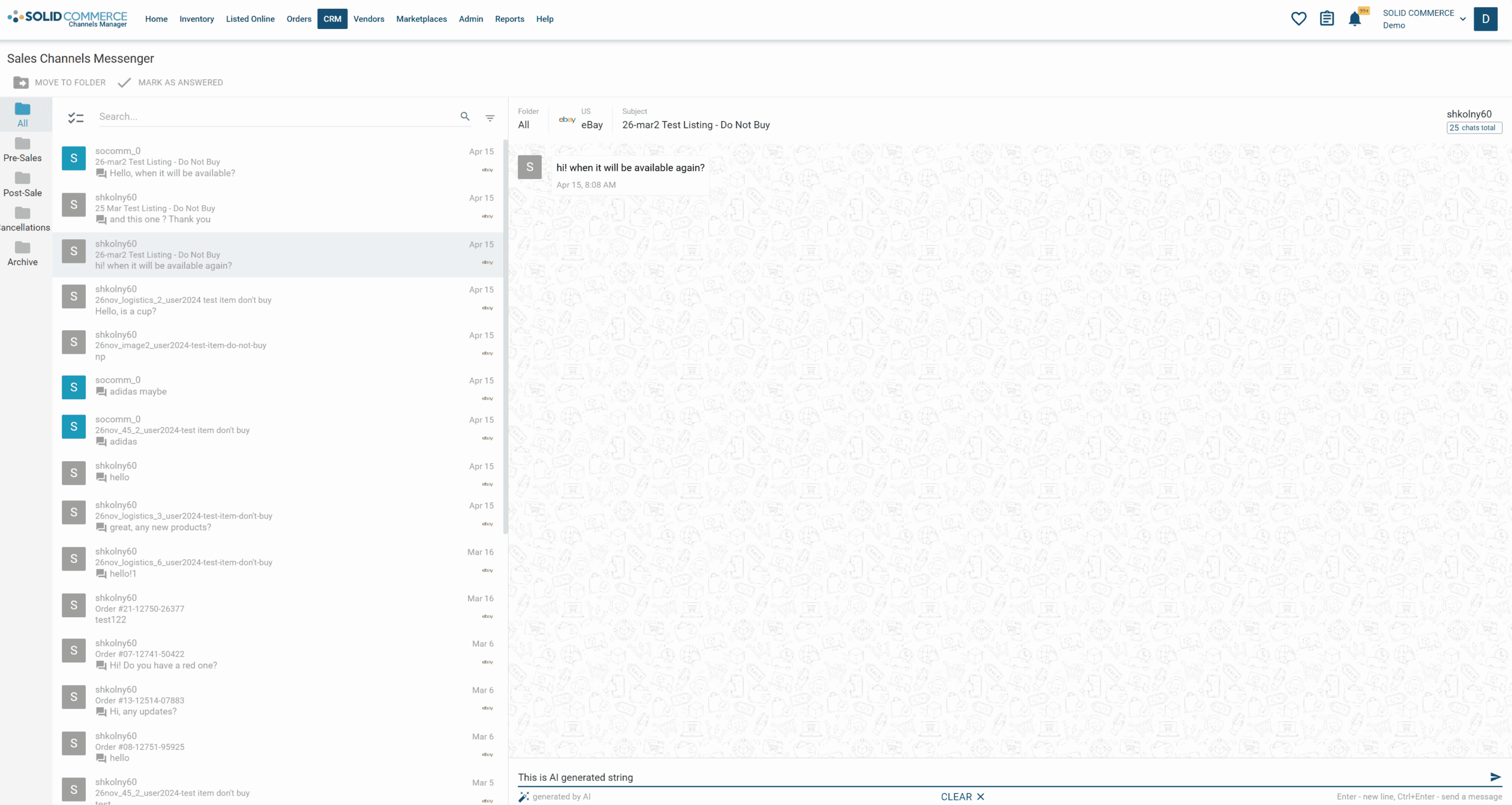
Built for multi-channel ecommerce support
- Amazon
- eBay
- Walmart
- Shopify
- Zendesk
- eDesk
The support bottleneck
More channels create more queues, handoffs, and policy risk
At higher message volume, agents spend too much time switching between marketplace portals, helpdesks, order systems, and policy documents. That fragmentation creates inconsistent answers, missed handoffs, and avoidable pressure on account health.
Unify supported marketplace, storefront, Zendesk, and eDesk workflows
Apply consistent response policies with order, product, shipment, and customer context
Separate routine automation from high-value, compliance-sensitive, and escalated conversations
How it works
One governed response workflow across channels
AutoReply categorizes incoming questions, connects the relevant operational context, applies your approved response rules, and keeps the message status and human handoff in the same workflow.
A buyer asks a question
Messages arrive from a supported marketplace, storefront, or helpdesk workflow.
AutoReply assembles the context
Relevant order, product, shipment, customer, and channel information is brought into the response workflow.
The right response path is used
Routine questions can follow approved automation rules; exceptions remain available for human review.
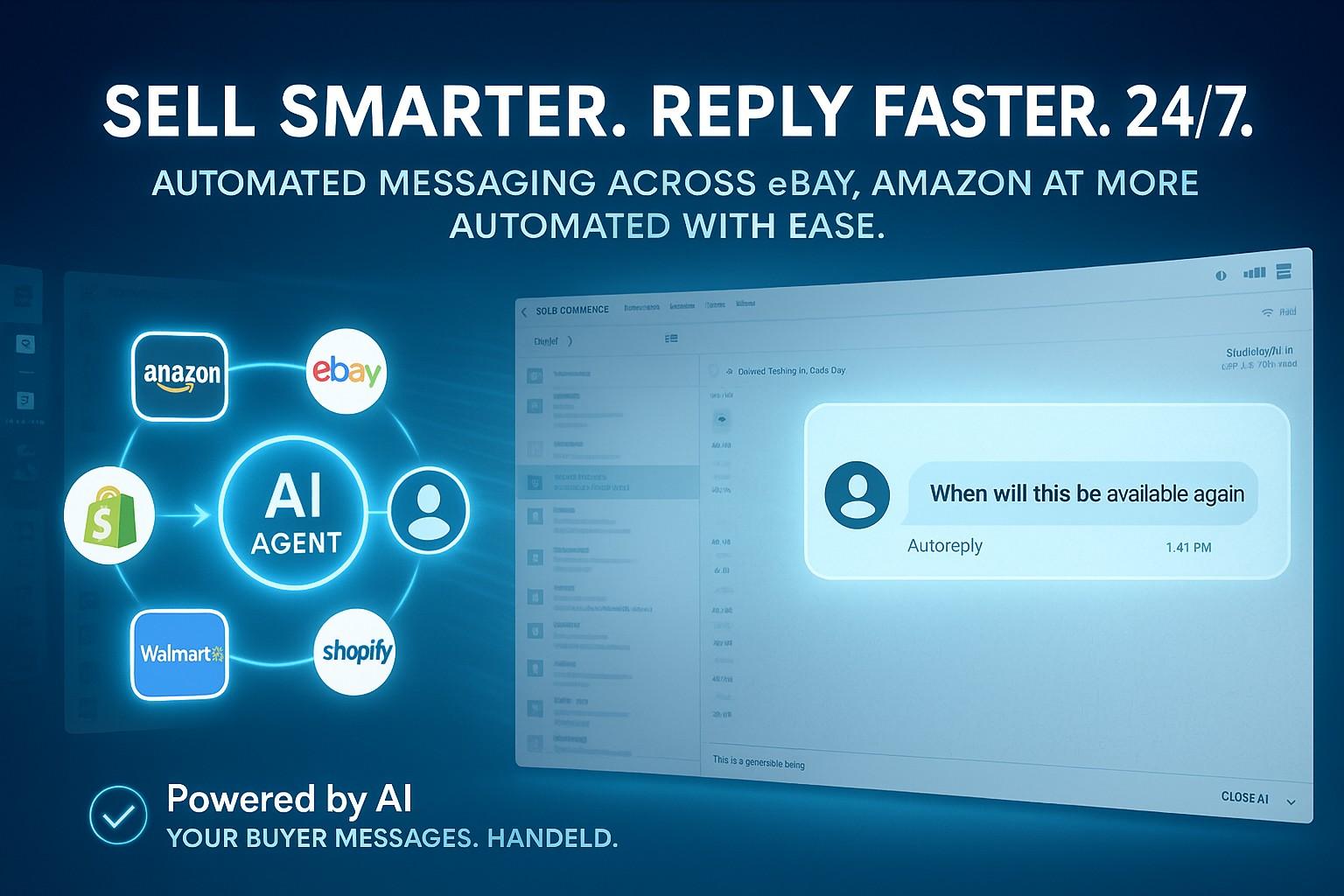
Product walkthrough
The current workflow connects an incoming buyer question with the operational details needed to answer it, then follows the automation or review rule selected by your team.
Accessible walkthrough transcript
- A buyer asks where an order is.
- AutoReply associates the message with the relevant order and shipment context.
- A contextual response is prepared using the approved workflow.
- If the conversation is sensitive or outside policy, it is routed for human review.
Human exception control
Automation your operations team can govern
Define where automatic responses are appropriate and where review is required. Teams retain visibility into the source message, supporting order data, response status, and escalation path.
- Rules for marketplace policies, refunds, returns, cancellations, and warranties
- Zendesk and eDesk routing with ecommerce context for agent review
- Human escalation for sentiment, review risk, VIP, or unusual policy cases
Put routine buyer questions on the right response path.
Start with the Starter package, connect a supported channel, and configure which responses AutoReply can handle and which stay with your team.
Starter package selected automatically
By continuing, you agree to the Terms and acknowledge the Privacy Policy.