
AutoReply for growing ecommerce teams
Stop answering the same buyer questions.
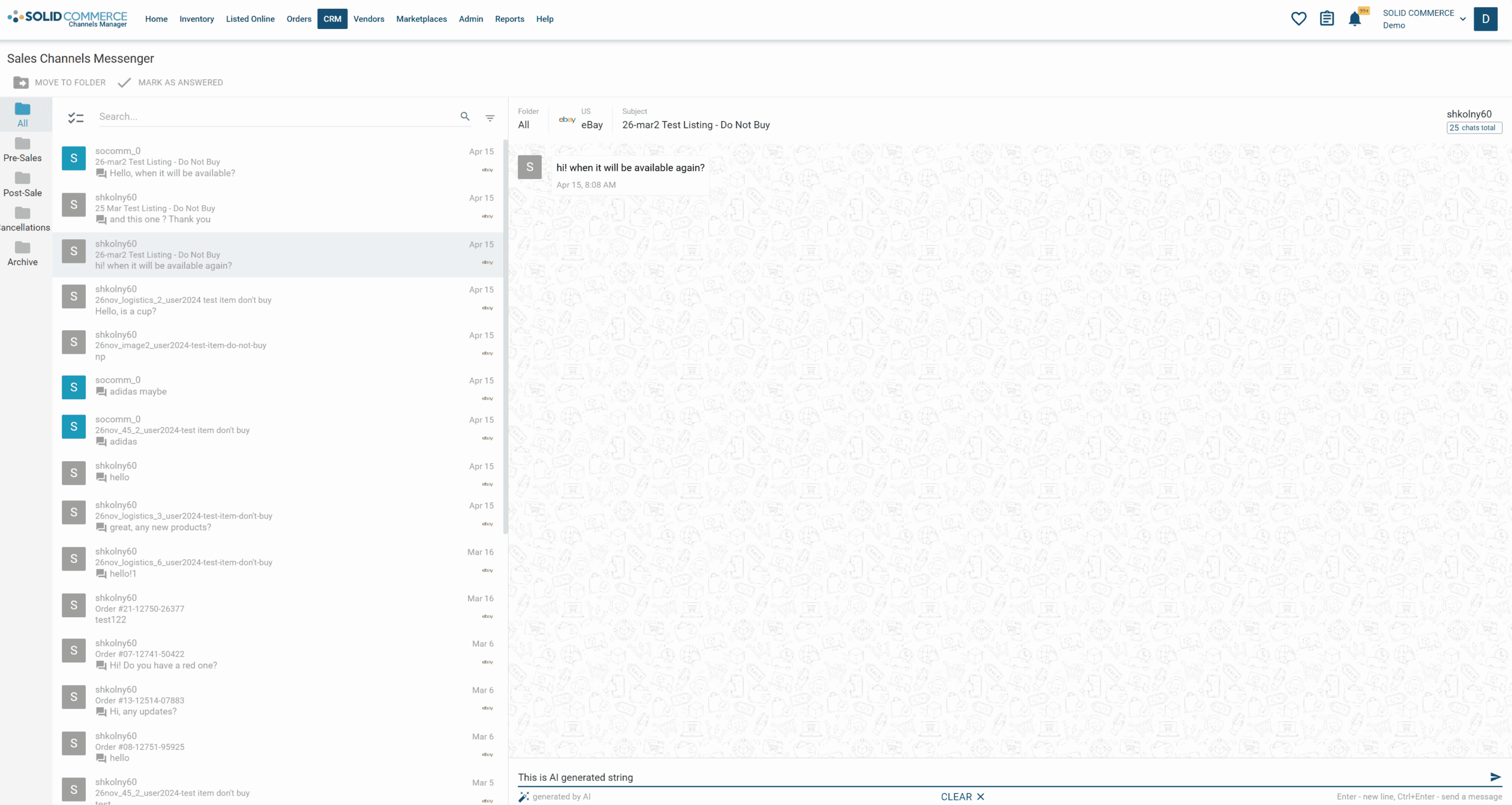
AutoReply brings buyer messages together with live order, product, shipment, and channel context so a small support team can answer routine questions quickly and keep exceptions under human control.
Built for multi-channel ecommerce support
- Amazon
- eBay
- Walmart
- Shopify
- Zendesk
- eDesk
The support bottleneck
Repetitive tickets steal time from the work that needs judgment
Order-status, tracking, return, cancellation, availability, and compatibility questions arrive across marketplaces and storefronts all day. Every manual lookup slows the queue and makes it harder to protect response-time expectations.
Bring your buyer messages into one organized workflow
Use live ecommerce context to draft or send accurate routine responses
Route refunds, policy exceptions, unhappy buyers, and unusual requests to a person
How it works
From buyer question to contextual reply
Connect a supported channel, choose the response rules you are comfortable automating, and let AutoReply assemble the relevant order and shipment context before a response is drafted or sent.
A buyer asks a question
Messages arrive from a supported marketplace, storefront, or helpdesk workflow.
AutoReply assembles the context
Relevant order, product, shipment, customer, and channel information is brought into the response workflow.
The right response path is used
Routine questions can follow approved automation rules; exceptions remain available for human review.
Product walkthrough
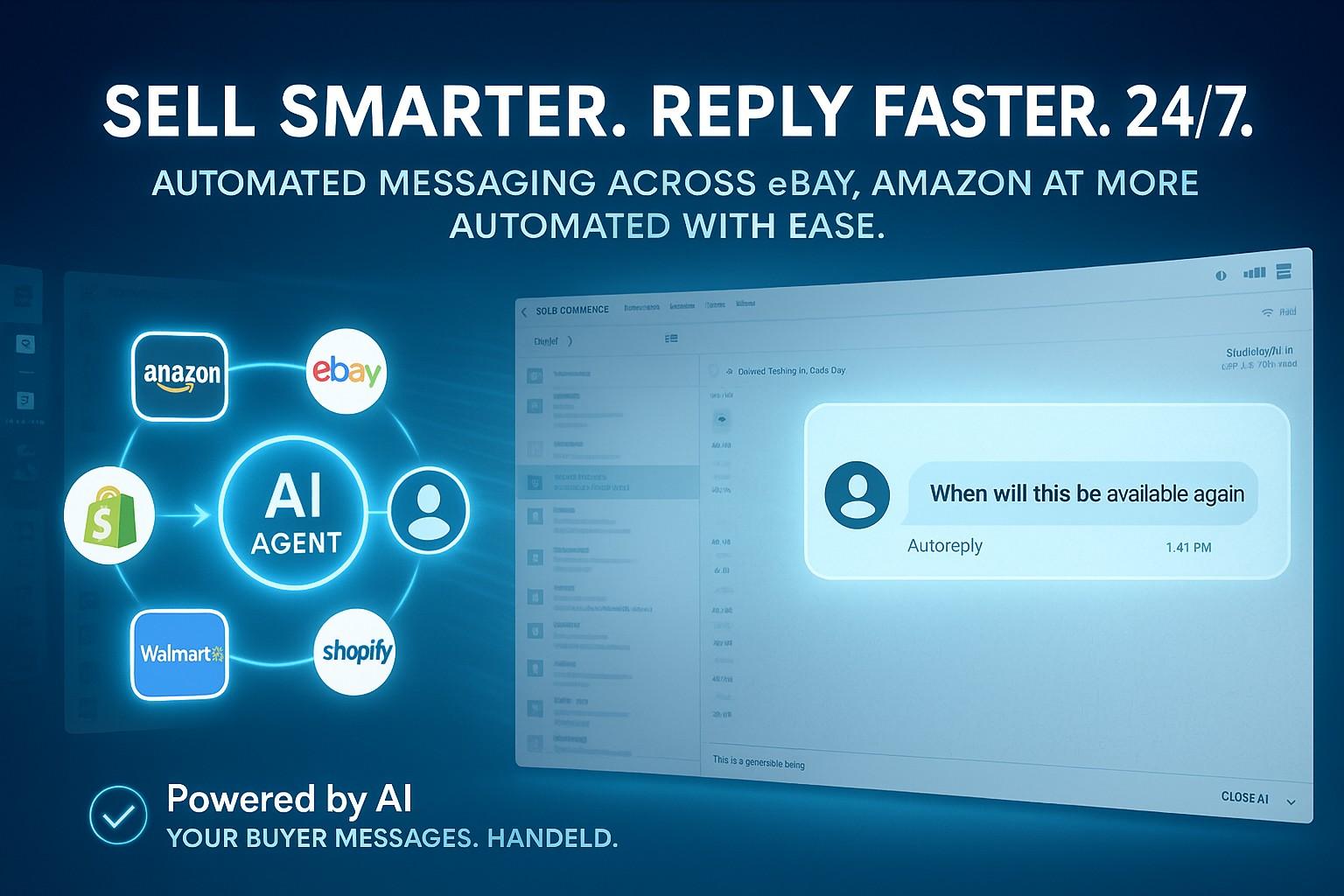
The current workflow connects an incoming buyer question with the operational details needed to answer it, then follows the automation or review rule selected by your team.
Accessible walkthrough transcript
- A buyer asks where an order is.
- AutoReply associates the message with the relevant order and shipment context.
- A contextual response is prepared using the approved workflow.
- If the conversation is sensitive or outside policy, it is routed for human review.
Human exception control
Turnkey for routine work. Human control for exceptions.
Start with the repetitive questions that already follow clear policies. AutoReply keeps sensitive or ambiguous conversations visible to your team instead of forcing every message through one automation path.
- Policy-based controls for returns, cancellations, and warranty questions
- Sentiment and escalation handling for conversations that need attention
- Conversation and order context preserved for a faster agent handoff
Put routine buyer questions on the right response path.
Start with the Starter package, connect a supported channel, and configure which responses AutoReply can handle and which stay with your team.
By continuing, you agree to the Terms and acknowledge the Privacy Policy.