
Solid Commerce

Answer buyer questions with the order details at hand.

Your support team should not spend the day copying tracking numbers, checking order status, and rewriting the same response in every channel.

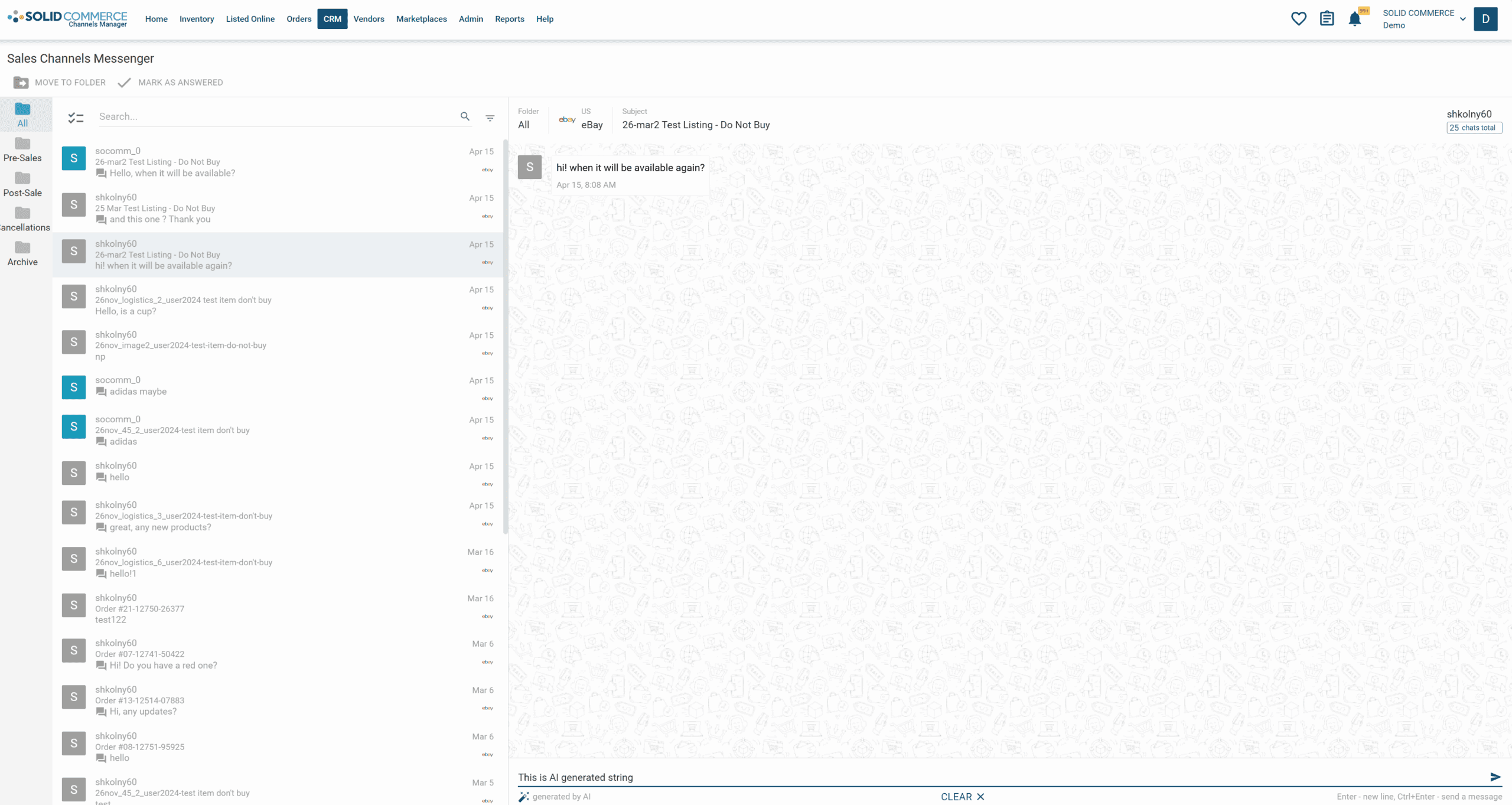
Solid Commerce AutoReply unified inbox for marketplace buyer messages.
AutoReply connects buyer messages to the order and channel context needed for faster, more accurate responses.

The Problem

"Where is my order?" "Can I return this?" "Is this compatible with my item?" Those questions arrive through Amazon, eBay, Walmart, Shopify, support inboxes, and helpdesk tickets. Agents lose time switching systems, looking up order details, checking policies, and rewriting answers while SLA clocks keep running. The result is slower response times, inconsistent messaging, higher support cost, and preventable account-health risk.

How We Solve It

Takeoff Answers is Solid Commerce's AutoReply service for ecommerce buyer support. It connects messages with available order, product, shipment, and policy data so your team can draft replies with the right context. Configure your channels, response policies, and human review before enabling automated replies.

From a buyer question to a contextual reply

A buyer asks, 'Where is my order?' Takeoff Answers brings the available order and shipment details into the reply workflow. Your team can review the response and escalate questions that need a person.

Connect a supported message source and its commerce data

Review an actual order-status question and the proposed response

Choose which questions to automate and which to hand to your team

Keep the helpdesk workflow that fits your team

Explore the Zendesk and eDesk integrations below to bring commerce context into your existing support process. If you are evaluating eDesk or Gorgias alternatives, compare channel coverage, response controls, and setup requirements against your own buyer questions.

Confirm the integrations and channels required for your account

Create your account, then connect a source to start setup

Review the result before enabling automated customer replies

A unified support workspace for marketplace sellers

AutoReply brings sales-channel messages into one organized workflow so agents can see what needs a response, what has already been handled, and which conversations require human attention. Tags, folders, filters, and automatic categorization make the inbox easier to manage as volume grows.

Combine pre-sale, post-sale, cancellation, return, and delivery questions in one operational view

Separate routine questions from review-risk, refund, fraud, and policy-sensitive conversations

Track team activity and response status so conversations do not fall through the cracks

Solid Commerce AutoReply inbox showing marketplace buyer messages and AI-generated response controls.

Replies backed by real ecommerce data

The agent does more than generate generic support text. It uses the context ecommerce support teams actually need: order IDs, tracking numbers, item details, delivery status, customer notes, channel policies, and escalation rules.

Answer order status, tracking, availability, compatibility, cancellation, return, and warranty questions faster

Reduce support errors caused by stale spreadsheets, disconnected helpdesks, and manual copy-paste

Give agents full context when an issue needs a human reply instead of an automated response

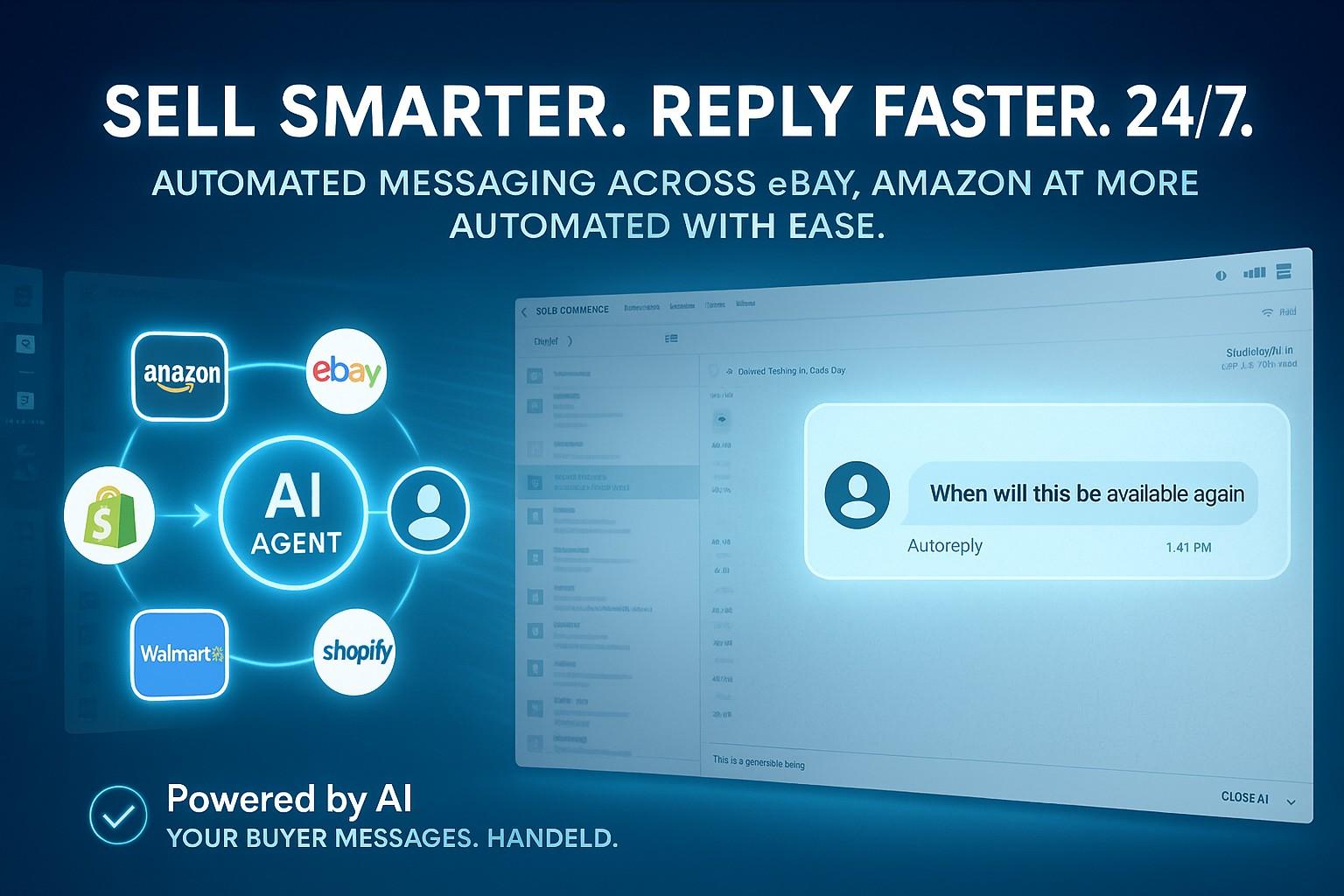
AutoReply Agent illustration showing automated responses across Amazon, eBay, and messaging channels.

Automation with controls, not a black-box chatbot

AutoReply is designed for operational control. You decide which questions can be answered automatically, which policies must be followed, and which conversations should be escalated to an agent or helpdesk queue.

Use policy-based response controls for refunds, returns, cancellations, and warranty claims

Detect sentiment and escalation risk before an unhappy buyer turns into a negative review

Keep humans in the loop for complex, high-value, or compliance-sensitive conversations

AutoReply in action

Support automation built around marketplace operations

Buyer messaging is only useful when it understands the order lifecycle. AutoReply connects the inbox, AI response generation, order context, categorization, and agent handoff in one workflow.

Person using a laptop to manage customer support workflows.
Give support teams faster answers without forcing them to search through disconnected systems.

Key Benefits

Fewer Repetitive Tickets

Automate the high-volume questions that consume support capacity: tracking, order status, availability, returns, cancellations, and common product questions.

Marketplace SLA Protection

Prioritize and respond within channel-required timeframes to protect account health, seller ratings, and buyer confidence.

Helpdesk-Ready Context

Send the right order, customer, product, and shipment context into Zendesk or eDesk so agents can resolve tickets without tab-switching.

Controlled AI Escalation

Let AI handle routine responses while sentiment, refund risk, policy exceptions, and VIP issues get routed to humans with full context.

What You Get

Omnichannel AutoReply across marketplaces, storefronts, and support workflows

Unified inbox with folders, tags, filters, and response status tracking

Order, customer, shipment, product, and delivery context beside each message

AI-drafted and AI-sent replies for repetitive buyer questions

Zendesk and eDesk integrations for helpdesk routing and agent context

Returns, cancellations, order modification, and warranty-claim workflows

Proactive late-shipment and delivery-status buyer messaging

Sentiment, review-risk, and escalation detection

Policy-based response controls

Agent handoff with full conversation and order history

Order and shipment contextResponse policies you controlHuman review and escalation

Helpdesk integrations

Connect AutoReply to the support tools your team already uses

Use Solid Commerce as the ecommerce operations brain behind your helpdesk. Keep agents in their preferred workflow while AutoReply supplies order context, marketplace rules, and AI-assisted responses.

Ready to solve takeoff answers?

Create your Takeoff Answers account, connect a supported channel, and set up your response policies.

Share this page

Loading verification challenge...