
Order and Fulfillment Operations
Centralized order management with smart routing, batch label printing, and carrier rate optimization — from order received to tracking uploaded.

Overview
Solid Commerce processes orders from every connected marketplace 24/7, applying your routing rules to send each order to the right warehouse, vendor, or 3PL automatically. No manual sorting, no missed SLAs, no chargebacks from late shipments.
The integrated shipping module prints labels from UPS, USPS, FedEx, DHL, and Amazon SFP in one batch — with savings up to 89% off retail carrier rates. Use your own discounted accounts or take advantage of Solid Commerce's unpublished discount rates. Customized packing slips, serial number tracking, and combined-order shipping reduce costs and errors.
Amazon-specific workflows support Seller Fulfilled Prime (SFP), Fulfillment by Amazon (FBA), and Multi-Channel Fulfillment (MCF). Route non-Amazon orders to Amazon's fulfillment network, print SFP labels with no pre-label fees, and manage FBA shipments alongside your own warehouse operations.
Label Printing
Shipping Execution Buyers Actually Feel
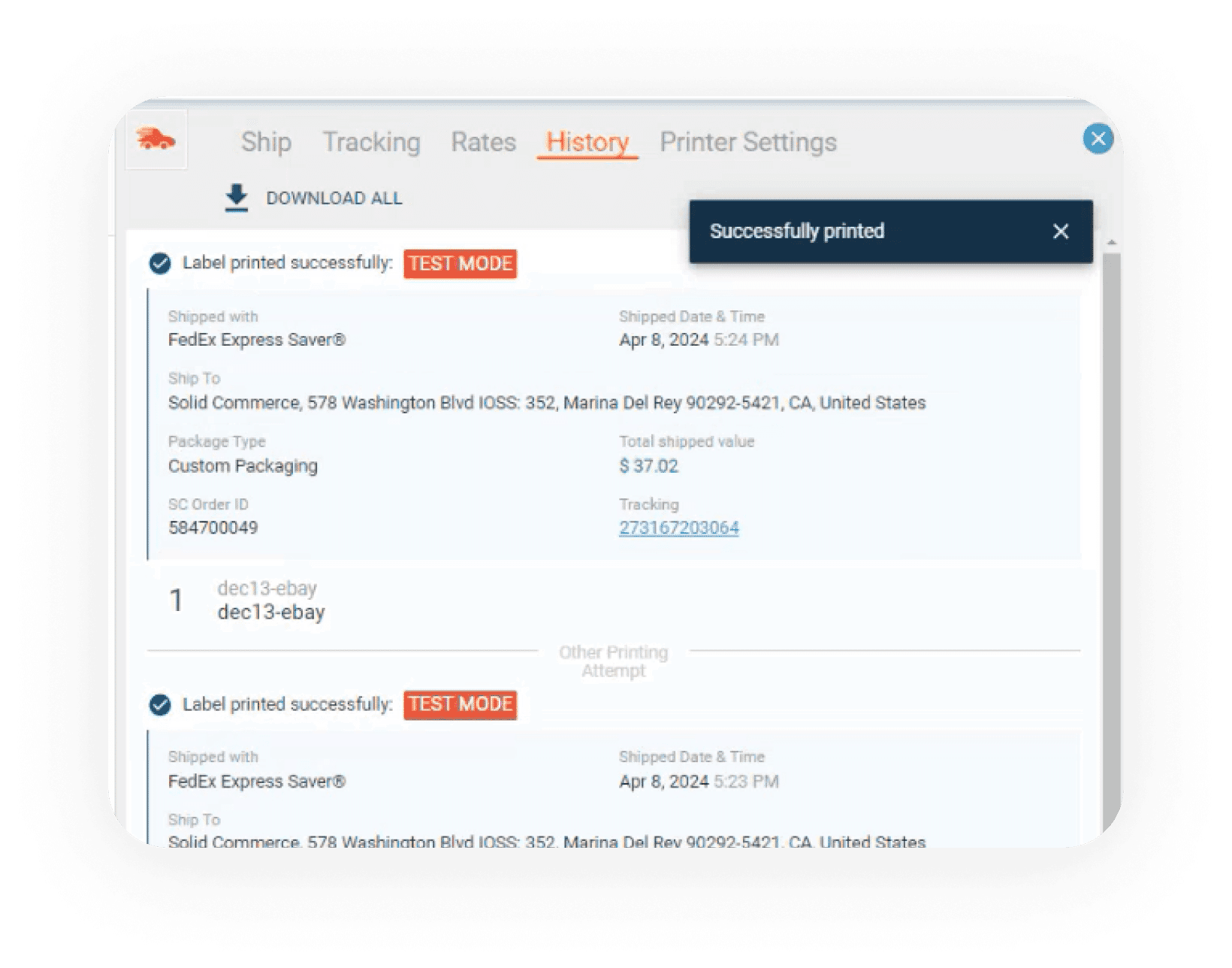
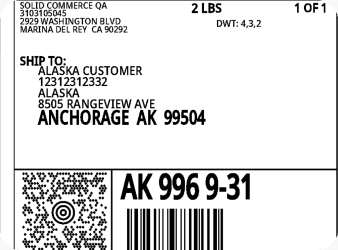
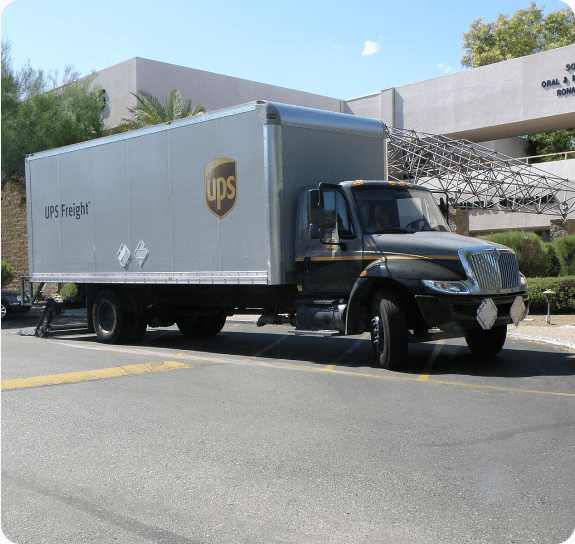
Batch label creation is only part of the workflow. The system keeps carrier history, printable documentation, and partner connectivity tied to the same order lifecycle.
Key Features
Smart Order Routing
Automatically route orders to the optimal warehouse, vendor, or 3PL based on proximity, inventory availability, product cost, and SLA requirements.
Unified Order Search
Search orders across all marketplaces by buyer name, order number, SKU, or product — from a single interface.
Batch Label Printing
Print shipping labels for multiple carriers at once. Filter by order status, sort by storage location or SKU, and process hundreds of labels in minutes.
Carrier Rate Optimization
Compare rates across UPS, USPS, FedEx, DHL, and Amazon SFP. Use your own accounts or Solid Commerce's discount rates — savings up to 89%.
Automatic Tracking Upload
Tracking numbers are automatically pushed to every marketplace when orders ship. No manual data entry across channels.
Order Combining
Consolidate multiple orders to the same address into one shipment. Reduce shipping costs and improve the buyer experience.
Split Shipment Handling
When orders require items from multiple locations, the system splits shipments automatically and tracks each package separately.
Pick, Pack, and Ship
Customizable picking workflows with barcode scanning validation, optimized picklists by warehouse zone, and batch processing for high-volume fulfillment.
Fraud and Address Validation
Flag risky orders and validate shipping addresses before fulfillment. Prevent chargebacks and failed deliveries.
Amazon SFP, FBA, and MCF
Print Seller Fulfilled Prime labels with no pre-label fees, manage FBA inbound shipments, and route non-Amazon orders to Amazon fulfillment via MCF.
Serial Number Tracking
Track serial numbers from receiving through fulfillment. Maintain a complete chain of custody for warranty and compliance purposes.
Scarcity Management
Show limited inventory on marketplaces even when more is in stock. Keep back-ordered items live with adjusted delivery times to preserve listing ranking.
How It Works
Orders Import Automatically
Orders from all connected marketplaces are imported 24/7 and queued for processing based on your routing rules.
Smart Routing Assigns Fulfillment
Each order is routed to the best warehouse, vendor, or 3PL based on inventory, location, shipping speed, and cost.
Pick, Pack, and Print Labels
Warehouse staff use optimized picklists and barcode scanning. Labels are printed in batches across all carriers.
Ship and Track
Tracking numbers are captured at label print and automatically uploaded to every marketplace. Buyers receive shipment notifications.
Handle Exceptions
Failed deliveries, address issues, and fraud flags are surfaced for review. The system manages retries and escalations.
What's Included
- Smart order routing to warehouse, vendor, or 3PL
- Batch label printing (UPS, USPS, FedEx, DHL, Amazon SFP)
- Carrier rate comparison and optimization
- Automatic tracking upload across all channels
- Order combining and split shipment handling
- Pick/pack workflows with barcode scanning
- Fraud and address validation
- Amazon SFP, FBA, and MCF support
- Serial number tracking
- Customized packing slips
- ShipWorks, ShipStation, and Shipping Easy integration
Not Part of This Module
- —Listing creation and management (see Catalog Operations)
- —Customer messaging about orders (see Customer Support)
- —Pricing and repricing (see Growth & Optimization)
Who It's For
Frequently Asked Questions
You define rules based on proximity, inventory availability, product cost, shipping speed, and vendor availability. The system evaluates each order against your rules and assigns it to the optimal fulfillment source automatically.
Ready to transform your order and fulfillment operations?
Start now, connect your channels, and see results in days — not months.